 Let's Shed
Let's Shed
Let's Shed
A practice journal built around structured planning and goal-setting.
One app for your practice session with built-in tools: metronome, drones, audio and video recording, looping and tempo adjustment for imported audio, sheet music viewer, and more.
Coming soon to the App Store
iPhone and iPad · iCloud Sync · No sign up required · No ads
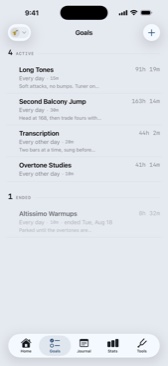
A goal is something you want to work on, how often, and for how long. You can even attach audio files or sheet music to your goal, so you can play along with recordings or read charts without ever leaving the app.
Whether you're making specific goals for each thing you want to practice, or you just want to practice 15 minutes a day, we've got you covered.
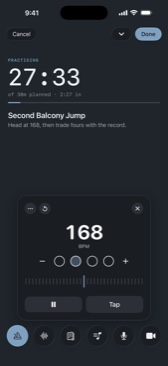
A session started from a goal already knows how long you're going for, and what you've attached to play along with or read off.
The metronome handles tempo, time signature, and which beats get the click, and it keeps running while you record or read a chart. Drones cover a single pitch, root and fifth, or octaves. Need to step out for a second? Pause it, or minimize it and keep an eye on the session from the Dynamic Island.
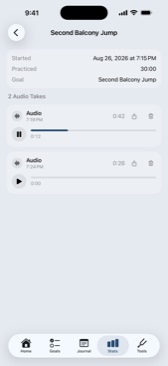
Self-recording is one of the best, if uncomfortable at first, ways to identify things you can work in your playing. Every session has integrated audio and video self-recording, and you can capture multiple takes per session.
Want to export them so you can share them with your teacher or on social media? Just pull up the session view and you can share them other apps or download them.
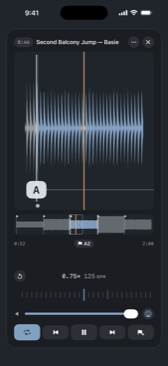
Trying to learn that Trane solo? Or just want to play along with a recording? We've got you covered.
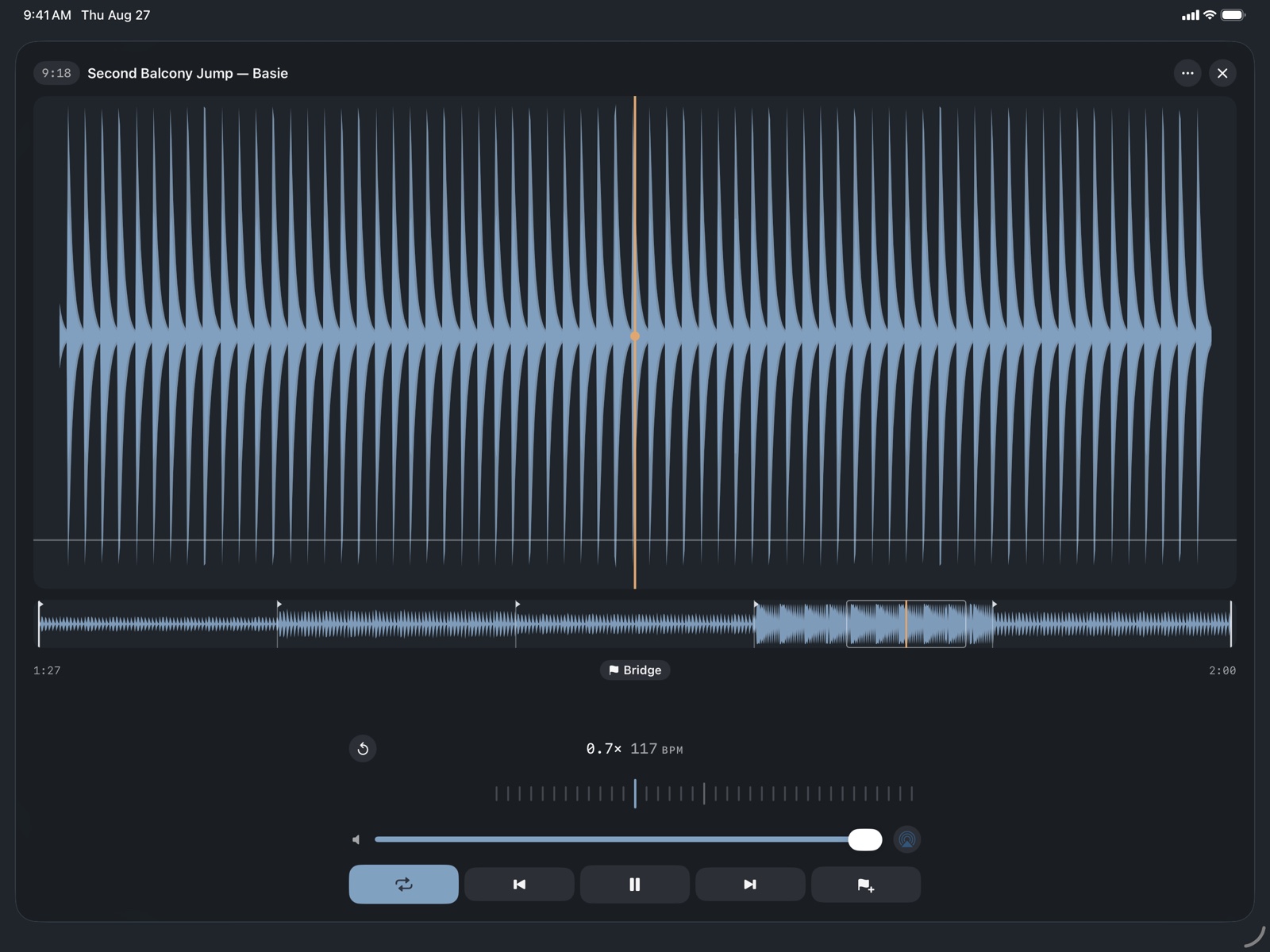
Our play-along tool lets you import audio files and set markers and loop sections or whole files, with tempo adjustment built right in.
Got a chart you want to read off too? No problem! You can attach image files or PDFs to any of your goals and open them in the app right from any practice session towards that goal.
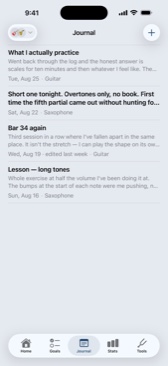
The journal is free-form text so you can use it for anything you want. Lesson notes, journal entries, planning a set-list. It's all fair game!
It's easy for humans and apps to focus on how much we're practicing as a measure of time, but we're big believers in consistent practice.
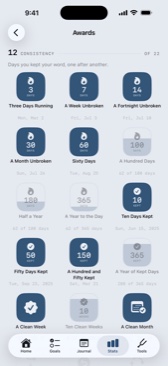
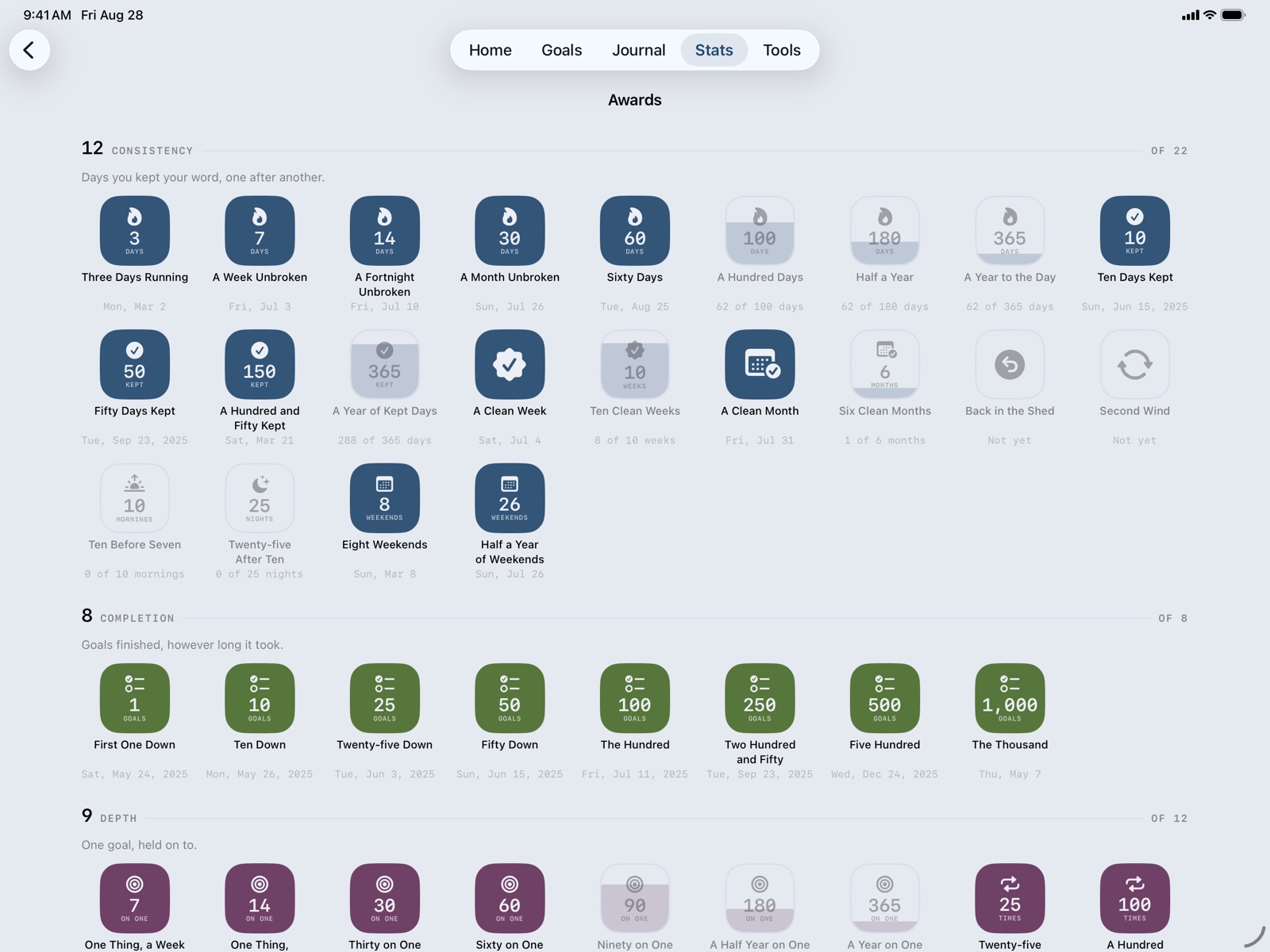
We've built in some fun "trophies" that are intended to reward good practice habits: consistency in practice schedule, taking breaks to avoid injury, repeated work towards long-term goals, etc.
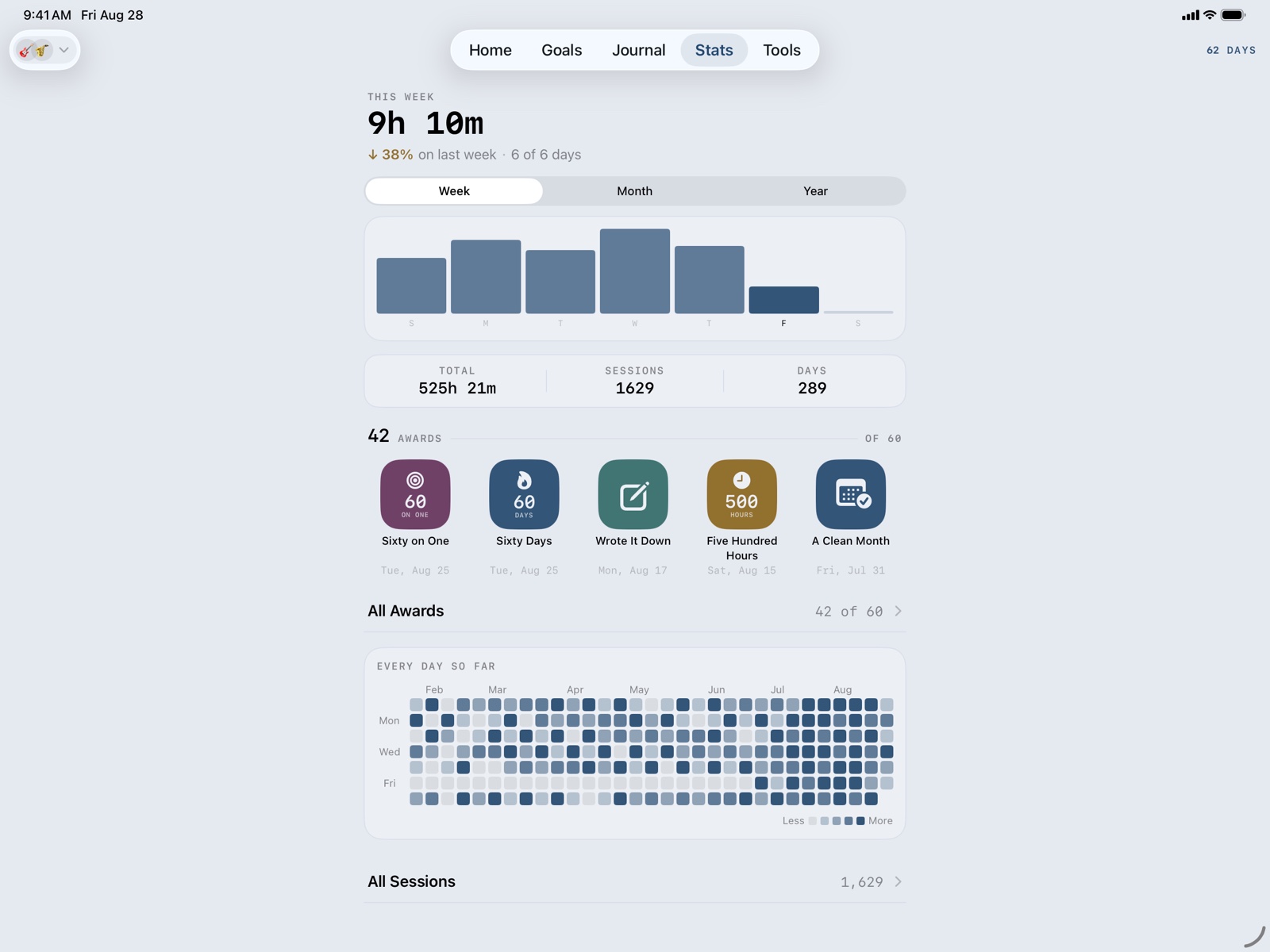
Still, sometimes we want to ask ourselves questions like "how much did I actually work on that?" or "did I practice as much as I thought?" To help answer those questions we provide some basic stats on your practice habits.
Reading the work of folks like Dan Levitin and Kenny Werner really changed the way we think about how to practice effectively and sustainably. Our approach is focused on the patterns and behaviors we know work.
Why it worksiPad gets its own layout: the week has room to breathe, goals sit in columns, the journal splits into list and page, and a record's waveform is long enough to put a thumb on.
No analytics, no advertising, no third-party SDK. Your practice data lives in your own private iCloud database, and we can't read it.